Tutorial 3: Creating a surface
Description
Scope: this tutorial will guide the user through the process of creating polymeric surface. Physical phenomena on surfaces are key to understanding the behavior of chemical systems, and NEXTMOL Builder allows users to prepare models of these polymeric matrices to characterize their behavior. More specifically, in this tutorial a cellulose surface will be prepared, which is used in Tutorial 5: Rinsing simulation of NEXTMOL Modeling for the study of adsorption and desorption of a surfactant.
Difficulty: easy
Time required: 5 minutes plus the computation time, which depends on the availability of the computational resources.
Creating linear segments and chains
For the generation of a cellulose polymer, a similar procedure to the one described in Creating a Linear Homopolymer is followed. Here the β-glucose monomer must be created first. To do so, click on the 'Building blocks' icon in the side bar menu and create a new block. The β-glucose monomer can be defined with the following SMILES codes for the repeating unit and tail respectively: O([*:1])C1C(OC(C(C1O)O)OC2C(OC([*:2])(C(C2O)O))CO)CO and O([*:1]). The default SMILES code can be used for the head. Next, save the building block, go to the 'Polymer Builder' menu and select the building block that has just been created. Advancing to the 'Segments' tab, a linear block segment must be added, indicating a segment name of the user’s choice and clicking on the cellulose monomer. For the purpose of this tutorial, an occurrence of one hundred monomers can be indicated. Then, in the 'Polymers' section, a chain composed of a single segment can be defined. Its topology can be nicely reproduced with the GLYCAM-06j force field.
Declaring the system setup
Since the surface will be in contact with a liquid bulk of solvent, it is important that both phases share the same length in the plane of contact. Thus, as in the water bulk in Tutorial 5: Rinsing simulation, the cellulose surface must be 70x70 Å2 in the xy plane. Thus, the option 'Cell sides' must be selected and these values entered to the 'x' and 'y' fields, while 30 Å will be enough in the 'z' dimension. It is indispensable that the 'Use hard walls' option is activated, which will turn off the periodic boundary conditions on the z-axis and ensure that no atom crosses the cell limit in the z-axis. Since only one type of chain has been defined in this case, the available options in the construction order setting are equivalent. Finally, five chains can be included in the defined simulation cell. After accepting the default simulation protocol and naming the system, the generation can be safely saved and run, yielding a surface like the one in Figure 1.
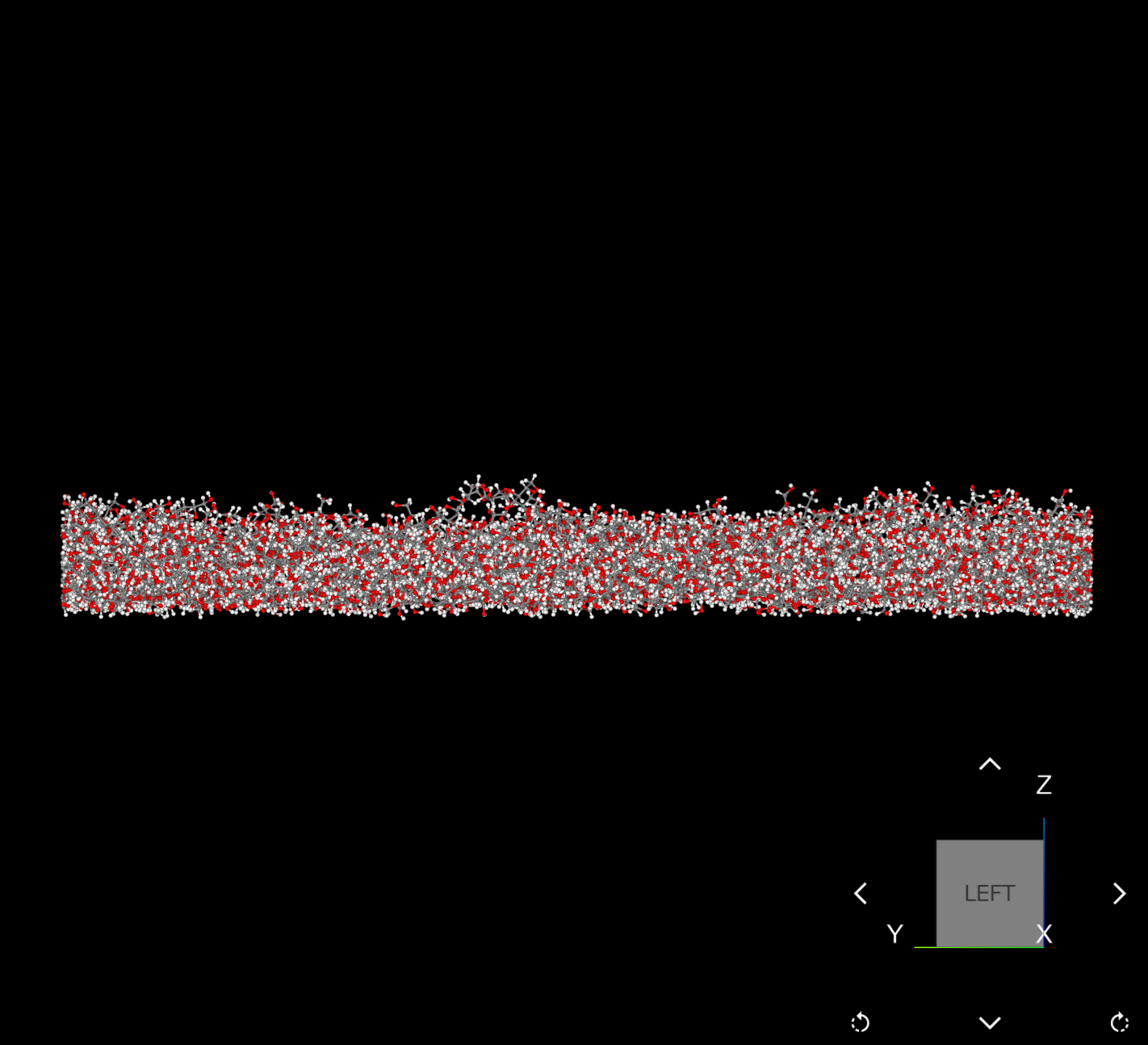
Figure 1: NEXTMOL Modeling visualization of the generated cellulose surface.